
TI-Nspire CX II CAS Graphing Calculator for Advanced Math & Science
$124.99
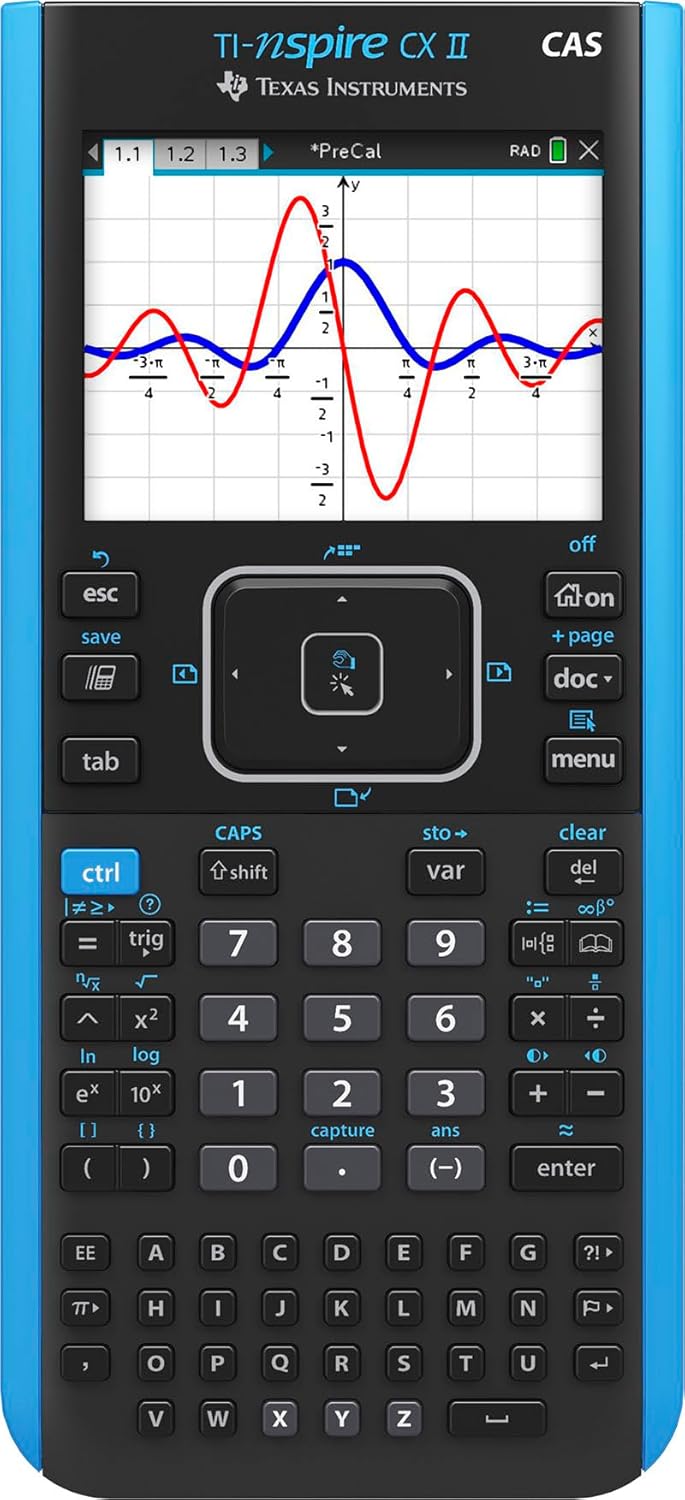
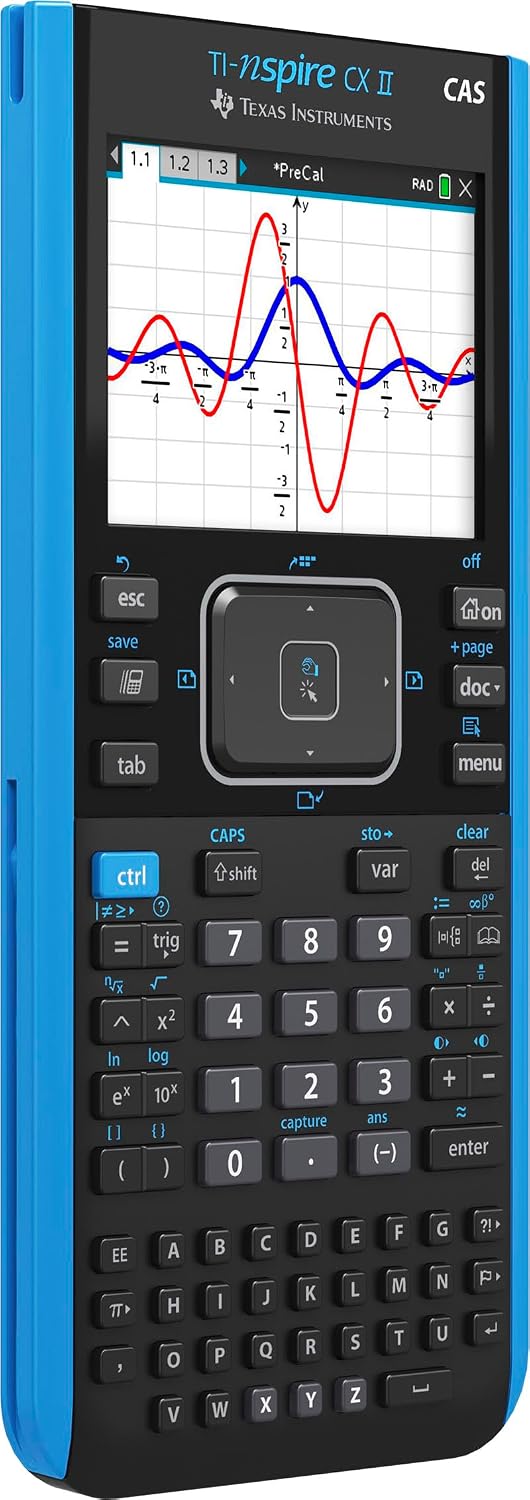
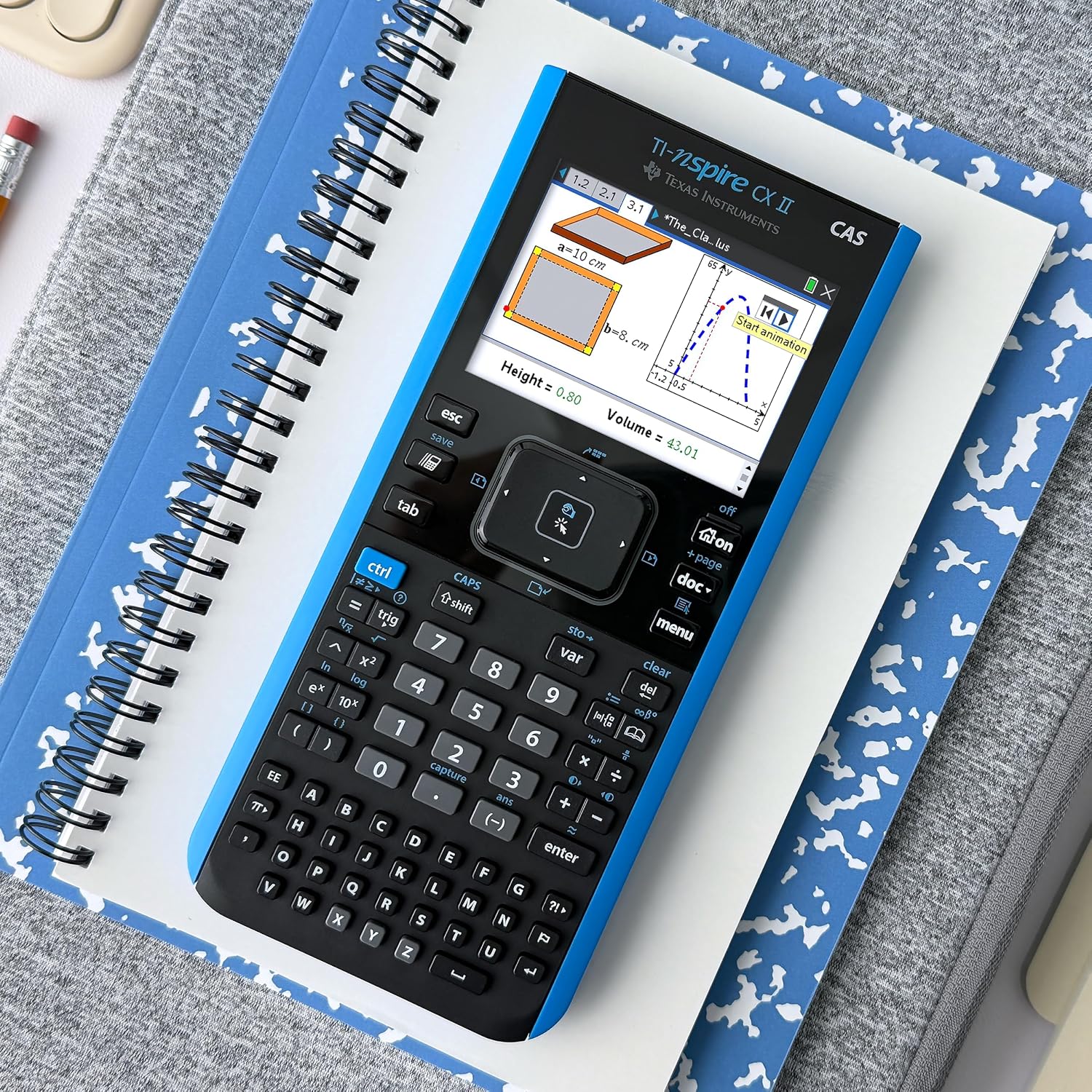
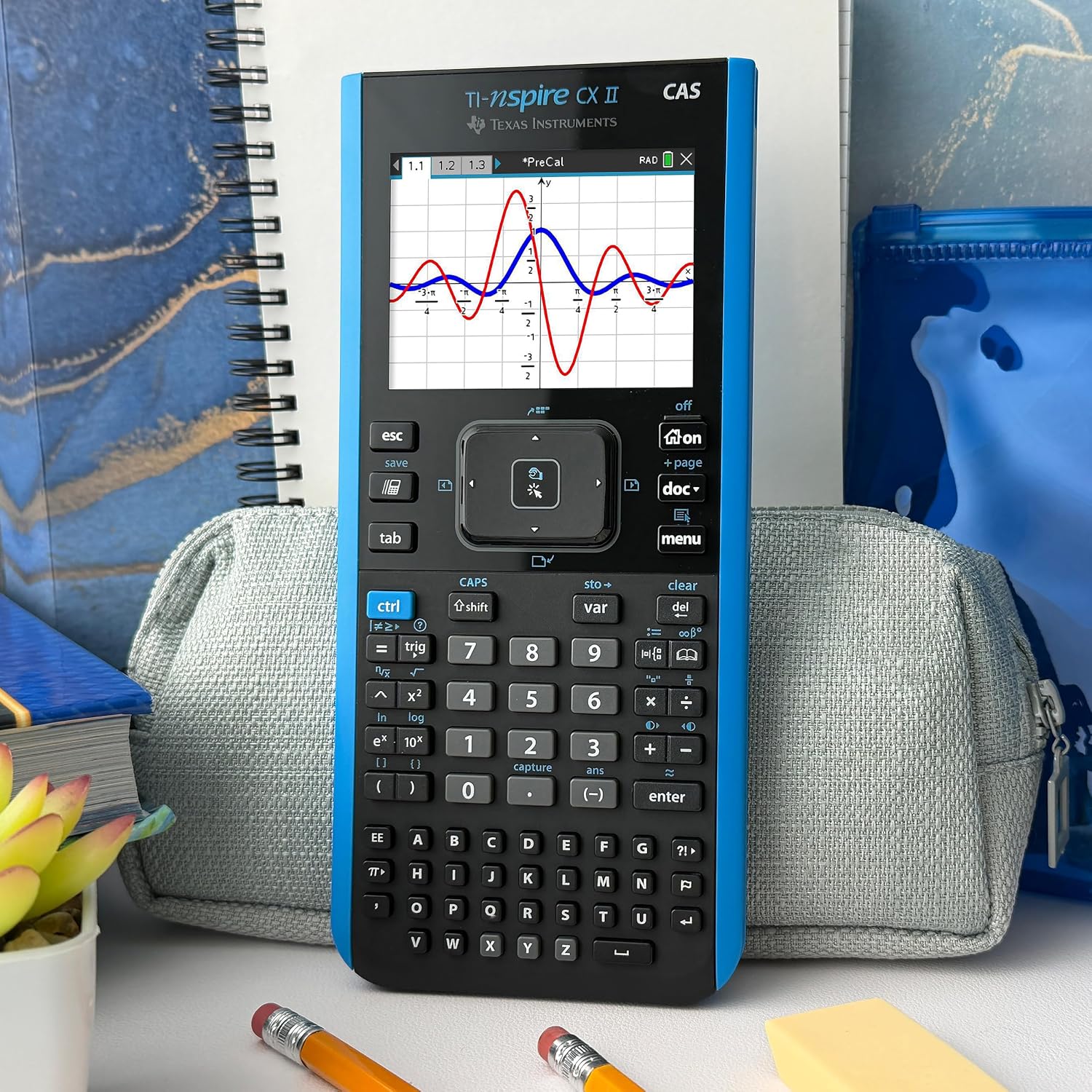
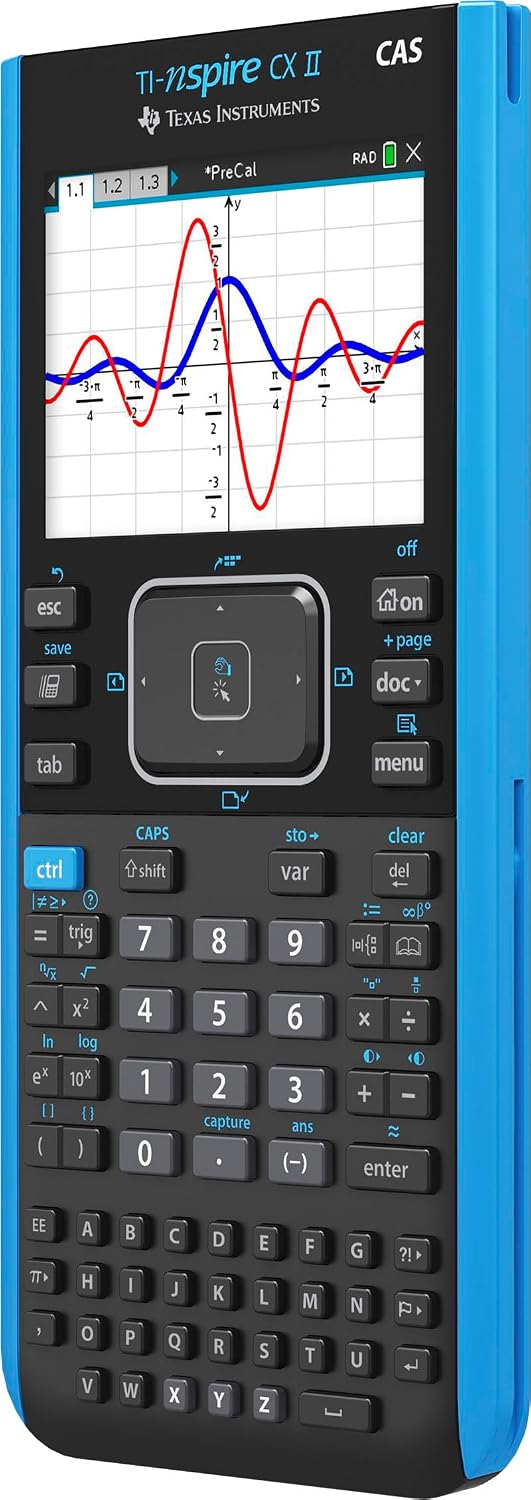
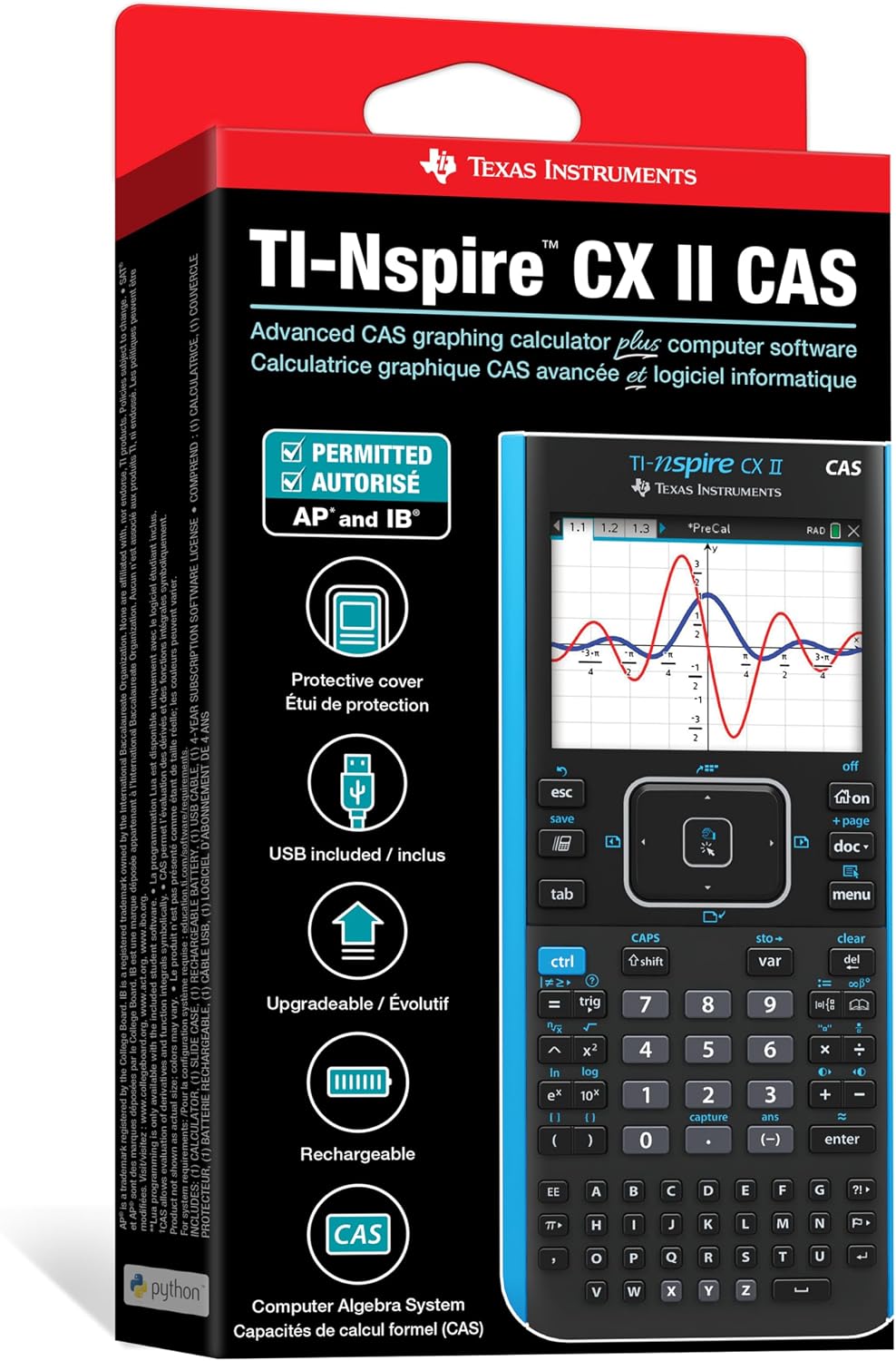
TI-Nspire CX II CAS Graphing Calculator – Unlock advanced mathematical concepts with the Texas Instruments TI-Nspire CX II CAS, featuring a vibrant display and robust computational power.
Introduction to TI-Nspire CX II CAS Graphing Calculator
The TI-Nspire CX II CAS Graphing Calculator is a revolutionary tool designed for students and professionals tackling complex mathematical and scientific challenges. This advanced graphing calculator, with its Computer Algebra System (CAS) capabilities, allows users to perform symbolic calculations, solve equations, and visualize functions with unparalleled ease and accuracy. Ideal for calculus, algebra, geometry, and statistics, the TI-Nspire CX II CAS offers a dynamic and interactive learning experience, bridging the gap between abstract concepts and practical applications. Its intuitive interface and powerful features make it an essential companion for high school, college, and university courses, ensuring that every calculation and graph is just a few clicks away. The vibrant, full-color display enhances readability and comprehension, making intricate graphs and data sets clear and easy to interpret. This device represents a significant leap forward in educational technology, fostering deeper understanding and greater efficiency in problem-solving. It’s not just a calculator; it’s a comprehensive learning system engineered to empower users in their academic and professional pursuits.
Table of Contents
- Introduction to TI-Nspire CX II CAS Graphing Calculator
- Key Features of TI-Nspire CX II CAS Graphing Calculator
- Enhanced Performance and Visuals
- Computer Algebra System (CAS) Capability
- Intuitive Interface and Navigation
- Versatile Applications and Connectivity
- Long-Lasting Battery Life
- How to Use & Care for TI-Nspire CX II CAS Graphing Calculator
- Why Choose TI-Nspire CX II CAS Graphing Calculator?
- FAQs about TI-Nspire CX II CAS Graphing Calculator
The design of the TI-Nspire CX II CAS Graphing Calculator prioritizes user experience, combining a sleek, modern aesthetic with robust functionality. Its lightweight yet durable construction ensures it can withstand the rigors of daily use, whether in the classroom, library, or on the go. The responsive keypad and intuitive navigation pad provide seamless interaction, allowing users to quickly access functions and input data. Moreover, its extensive memory capacity ensures that complex projects and multiple documents can be stored and retrieved effortlessly. This calculator is more than just a device; it’s a gateway to mastering complex subjects, offering a reliable and powerful platform for exploration and discovery. For a deeper dive into the history and evolution of these powerful tools, you can explore the graphing calculator background on Wikipedia.
Key Features of TI-Nspire CX II CAS Graphing Calculator
Enhanced Performance and Visuals
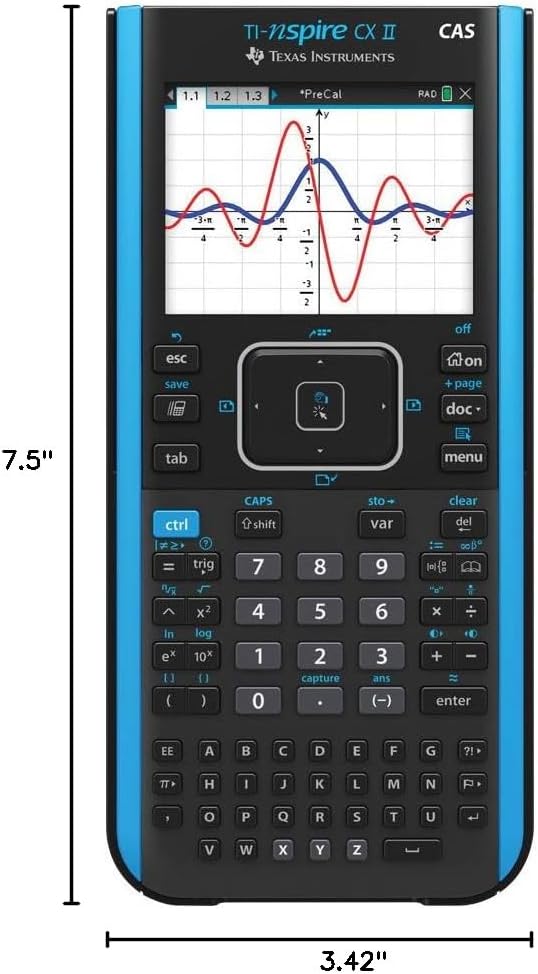
The TI-Nspire CX II CAS Graphing Calculator boasts a faster processor, delivering quicker performance for intricate calculations and graphing. The backlit color display, with its high resolution, makes graphs and images exceptionally clear and easy to read, even in varying light conditions. This visual clarity is crucial for understanding complex mathematical relationships and interpreting data accurately. The dynamic linking of documents ensures that changes in one representation (e.g., an equation) are automatically reflected in others (e.g., a graph or table), providing a powerful tool for conceptual understanding.
Computer Algebra System (CAS) Capability
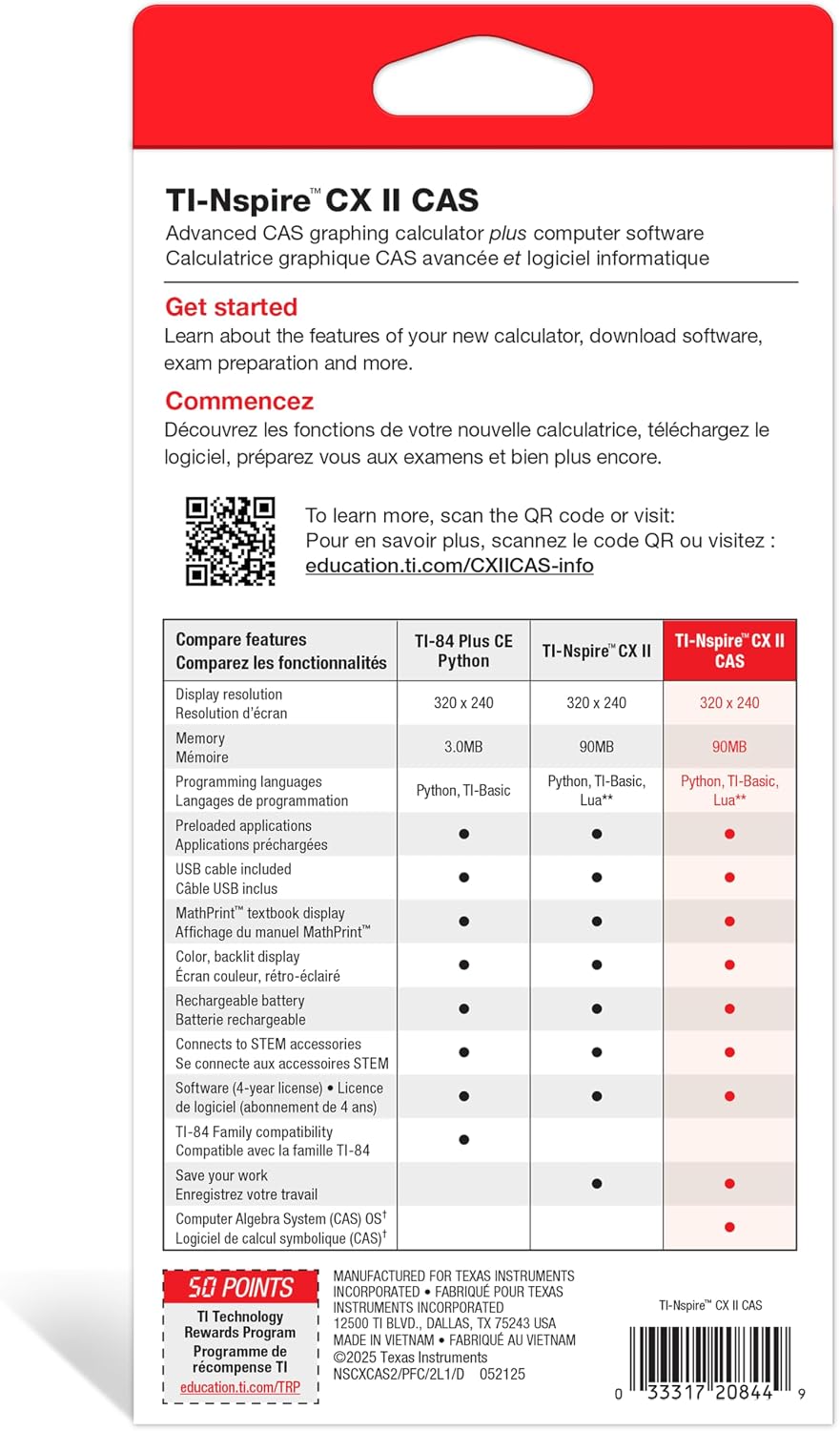
One of the standout features is its integrated CAS, which enables symbolic manipulation of mathematical expressions. This means the calculator can solve equations, factor polynomials, differentiate, and integrate symbolically, not just numerically. This capability is invaluable for advanced mathematics and engineering, allowing users to explore mathematical concepts at a deeper, more theoretical level. The CAS feature on the TI-Nspire CX II CAS Graphing Calculator is a game-changer for anyone studying higher-level math or science.
Intuitive Interface and Navigation
The calculator features a highly intuitive menu-driven interface, similar to a computer, making it easy for users to navigate through various applications and functions. The clickpad provides easy cursor control, while the dedicated navigation keys allow for quick access to common operations. This user-friendly design minimizes the learning curve, enabling students to focus more on learning concepts and less on mastering the device itself. The logical layout of buttons and menus contributes significantly to an efficient workflow.
Versatile Applications and Connectivity
Preloaded with a suite of applications including Graphs, Geometry, Lists & Spreadsheets, Data & Statistics, Notes, and Vernier DataQuest, the TI-Nspire CX II CAS Graphing Calculator supports a wide range of subjects. It also offers robust connectivity options, allowing users to transfer files to and from computers, and even connect to TI-Nspire Lab Cradle and other sensors for data collection. This versatility makes it an indispensable tool for scientific experiments and data analysis in various fields. Explore our entire store collection for more educational tools.
Long-Lasting Battery Life
Equipped with a rechargeable battery, the calculator provides hours of uninterrupted use on a single charge. This ensures that students can complete assignments, tests, and projects without worrying about power outages. The convenience of a rechargeable battery also reduces waste, making it an environmentally conscious choice. The battery status indicator keeps users informed, allowing for timely recharging.
How to Use & Care for TI-Nspire CX II CAS Graphing Calculator
To maximize the lifespan and performance of your TI-Nspire CX II CAS Graphing Calculator, proper usage and care are essential. Always ensure the calculator is fully charged before important exams or long study sessions. The charging process is simple: connect the included USB cable to the calculator and a power source. Avoid exposing the device to extreme temperatures, direct sunlight, or high humidity, as these conditions can damage the internal components and the display. When not in use, it is best to store the calculator in its protective slide case to prevent scratches and impacts.
Cleaning the screen and keypad should be done with a soft, dry, lint-free cloth. Do not use abrasive cleaners, solvents, or aerosol sprays, as these can harm the display and plastic surfaces. Regularly back up important documents and data to your computer using the TI-Nspire software to prevent loss. Familiarize yourself with the user manual to understand all its functionalities and ensure you are utilizing the TI-Nspire CX II CAS Graphing Calculator to its full potential. Regular software updates, available from the manufacturer’s website, can also enhance performance and add new features, so keep your device’s firmware current.
Why Choose TI-Nspire CX II CAS Graphing Calculator?
Choosing the TI-Nspire CX II CAS Graphing Calculator means investing in a tool that will significantly enhance your academic journey and professional capabilities. Its advanced CAS functionality, combined with a user-friendly interface and vibrant display, sets it apart from conventional calculators. It’s approved for use on a variety of standardized tests, including the SAT, ACT, and AP exams, making it a reliable choice for students aiming for academic excellence. The ability to explore mathematical concepts dynamically and visually fosters a deeper understanding, which is crucial for success in STEM fields.
Furthermore, the robust build quality and comprehensive support from Texas Instruments ensure that you are purchasing a durable and reliable product. The continuous development of features and educational resources available online further supports users, providing tutorials, activities, and supplementary materials. Whether you’re a high school student preparing for college or a university student tackling advanced engineering problems, the TI-Nspire CX II CAS Graphing Calculator offers the power, precision, and versatility you need to succeed. It’s an investment in your future, providing a competitive edge in an increasingly complex world.
FAQs about TI-Nspire CX II CAS Graphing Calculator
Q: What is the main difference between the TI-Nspire CX II and the TI-Nspire CX II CAS?
A: The primary difference lies in the CAS (Computer Algebra System) capability. The TI-Nspire CX II CAS can perform symbolic calculations, such as solving equations for variables, factoring expressions, and performing symbolic differentiation and integration. The non-CAS version (TI-Nspire CX II) performs numerical calculations only. This makes the CAS version particularly powerful for advanced mathematics courses where symbolic manipulation is required.
Q: Is the TI-Nspire CX II CAS Graphing Calculator allowed on standardized tests?
A: Yes, the TI-Nspire CX II CAS Graphing Calculator is approved for use on many standardized tests, including the PSAT/NMSQT, SAT, and ACT college entrance exams. It is also approved for use on AP Calculus, AP Statistics, and AP Physics exams. However, it’s always advisable to check the specific test regulations as they can sometimes change or vary by region. Always confirm with your test administrator or the official test website before an exam.
Q: How do I update the operating system (OS) on my TI-Nspire CX II CAS?
A: To update the OS, you need to download the latest TI-Nspire CX II CAS Student Software from the Texas Instruments website onto your computer. Once installed, connect your calculator to the computer using the provided USB cable. Open the software, navigate to the “Tools” menu, and select “Install OS.” Follow the on-screen prompts to transfer and install the new operating system onto your TI-Nspire CX II CAS Graphing Calculator. Regular updates ensure you have the latest features and bug fixes.
Q: What kind of battery does the TI-Nspire CX II CAS use, and how long does it last?
A: The TI-Nspire CX II CAS Graphing Calculator uses a rechargeable lithium-ion battery. A full charge typically provides about two weeks of normal use, though actual battery life can vary depending on usage patterns, screen brightness settings, and the intensity of calculations performed. The calculator can be easily recharged via a USB cable connected to a computer or a wall adapter, offering convenience and reducing the need for disposable batteries.
For additional background, review the external reference about TI-Nspire CX II CAS Graphing Calculator.


Reviews
There are no reviews yet.