
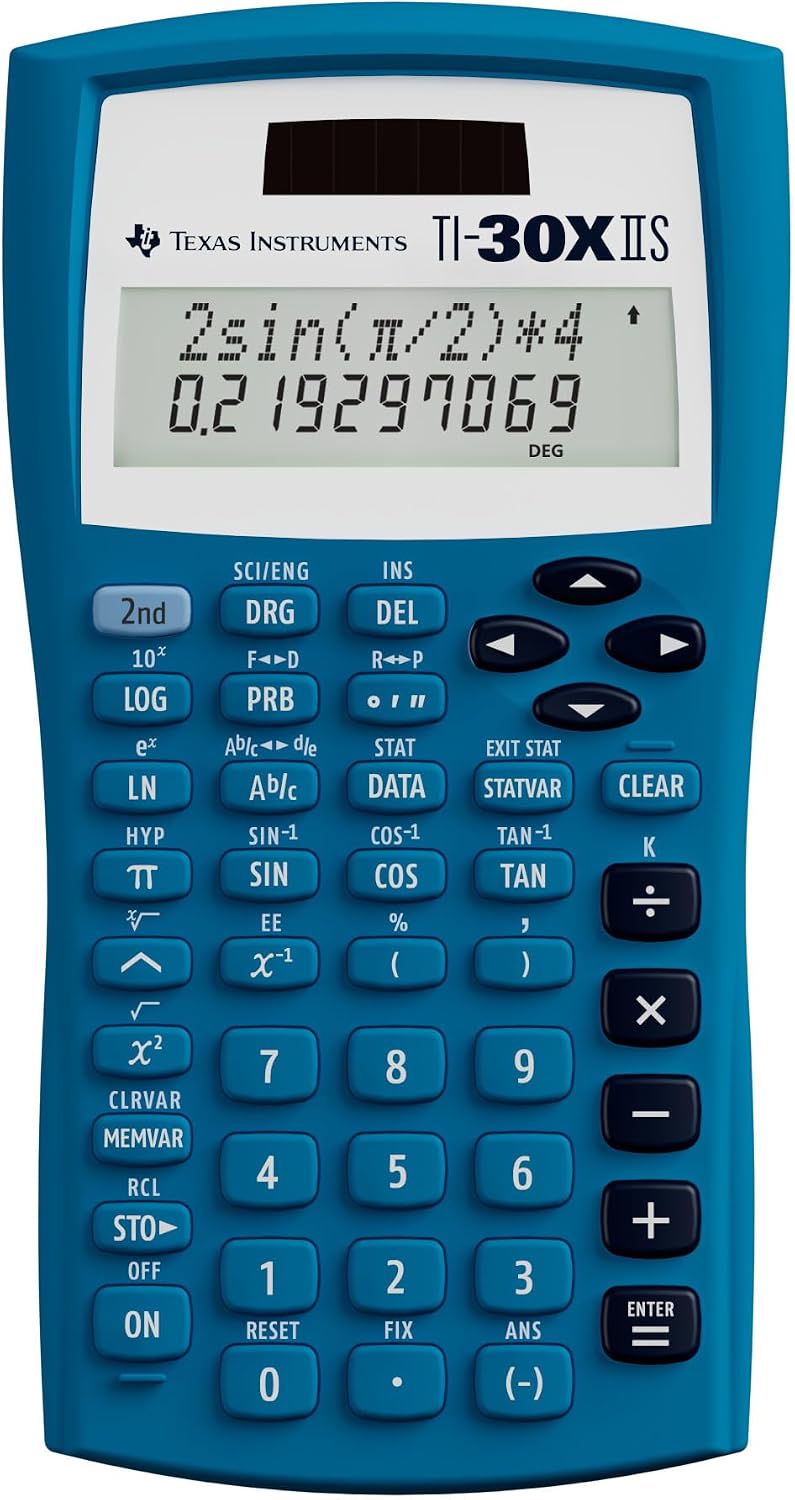
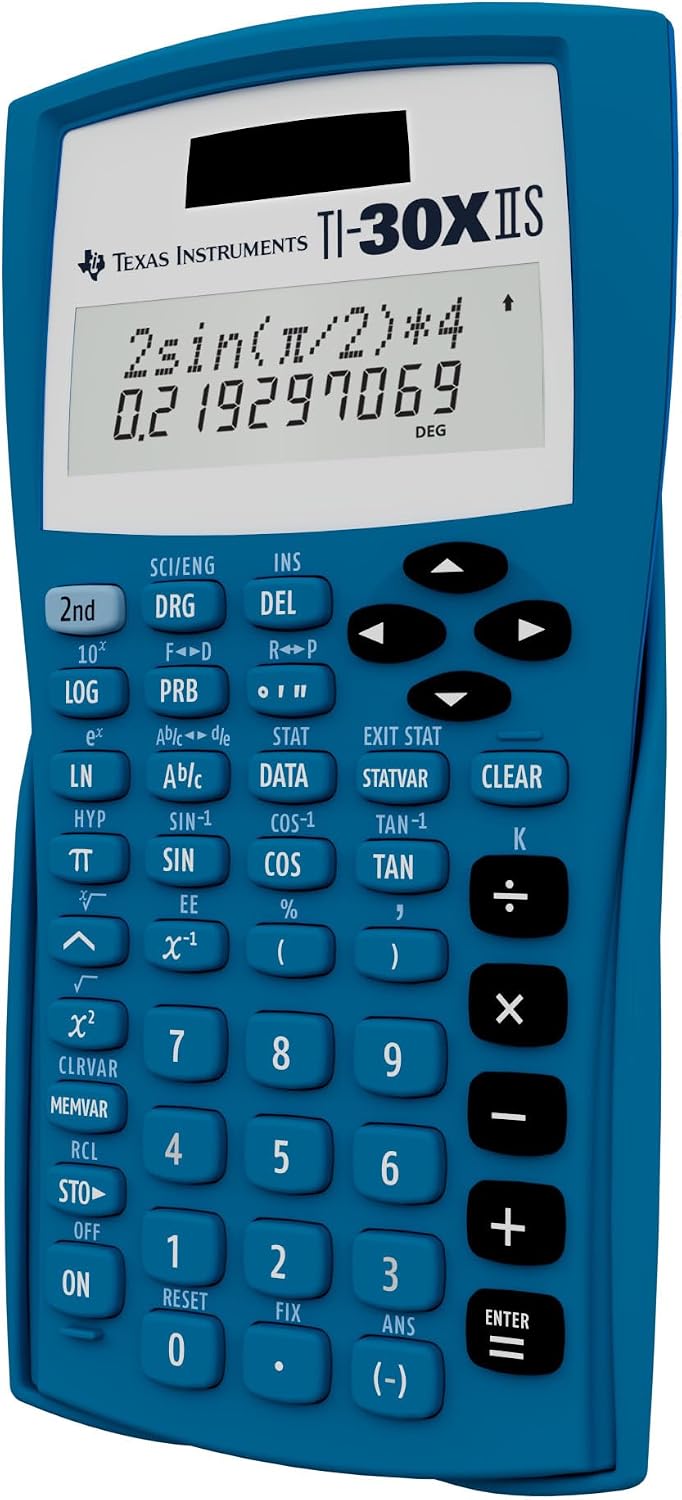

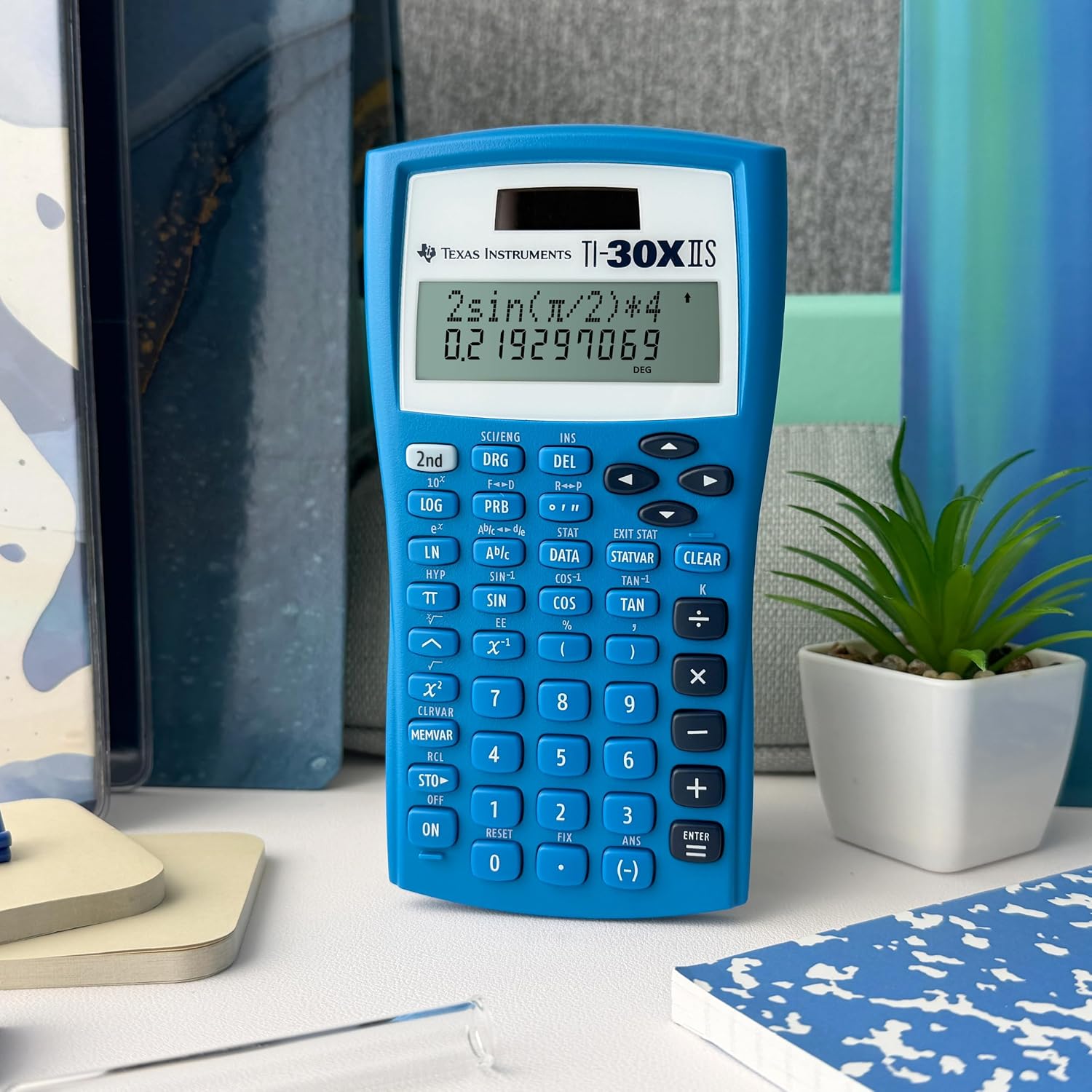
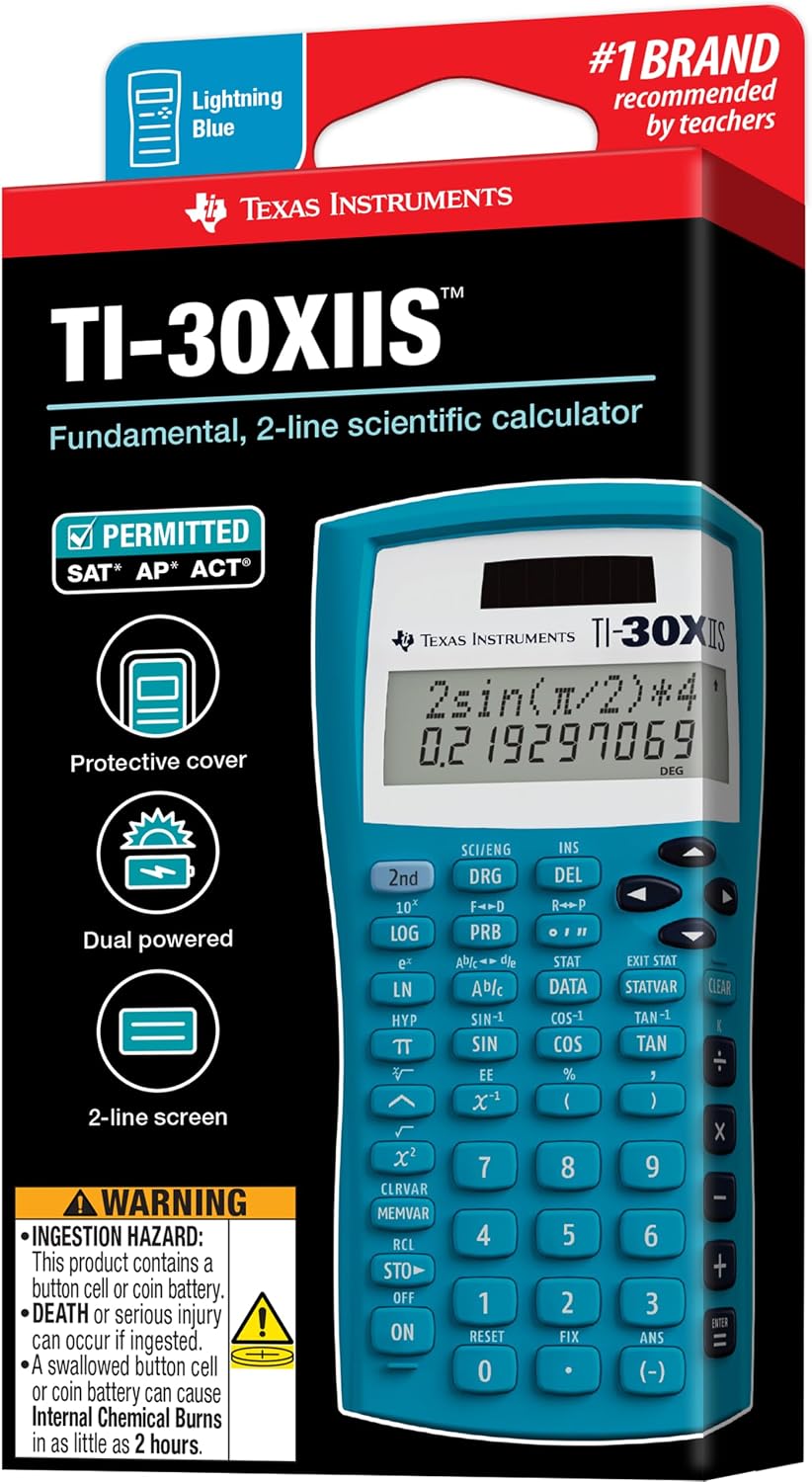
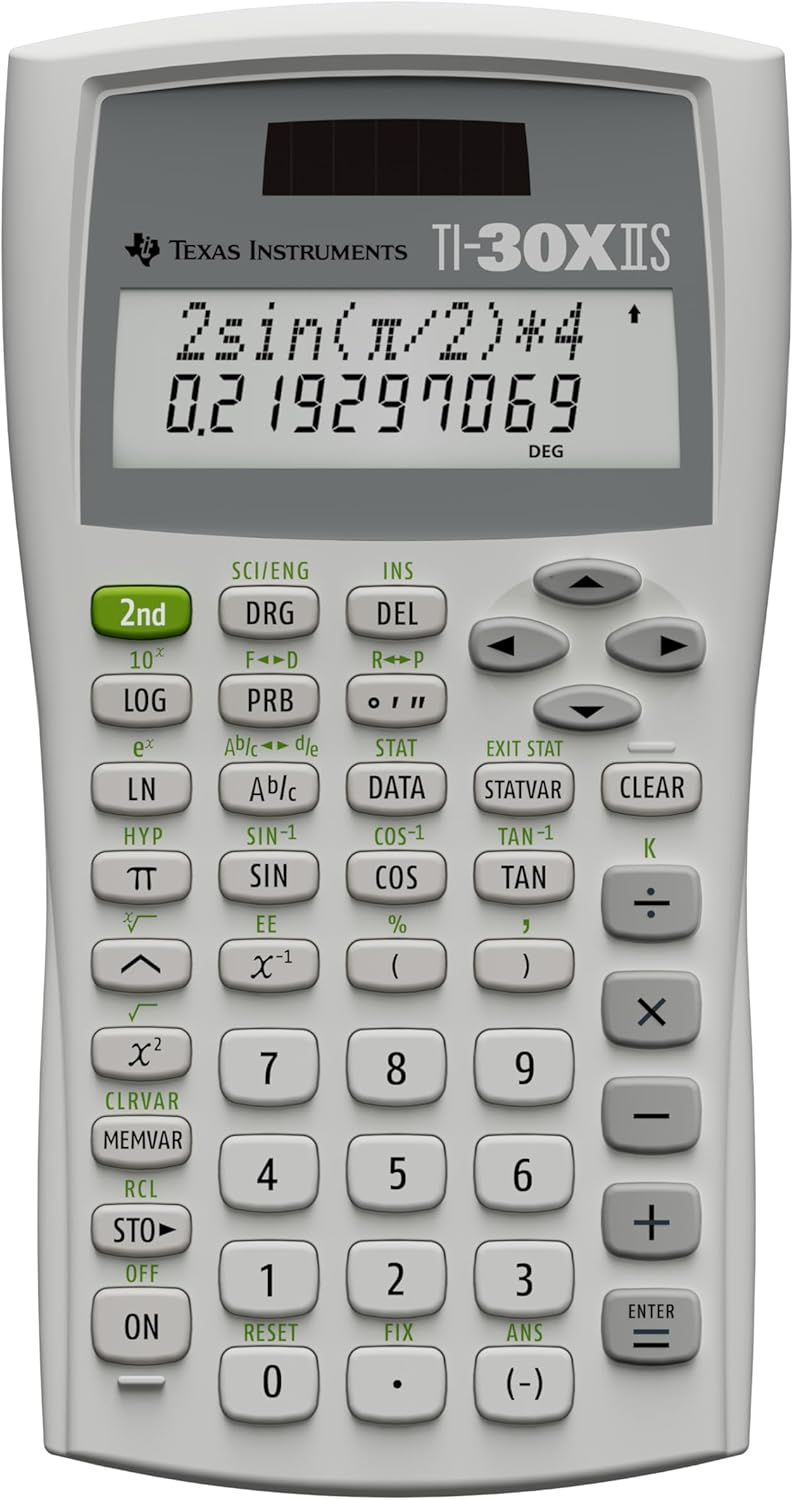
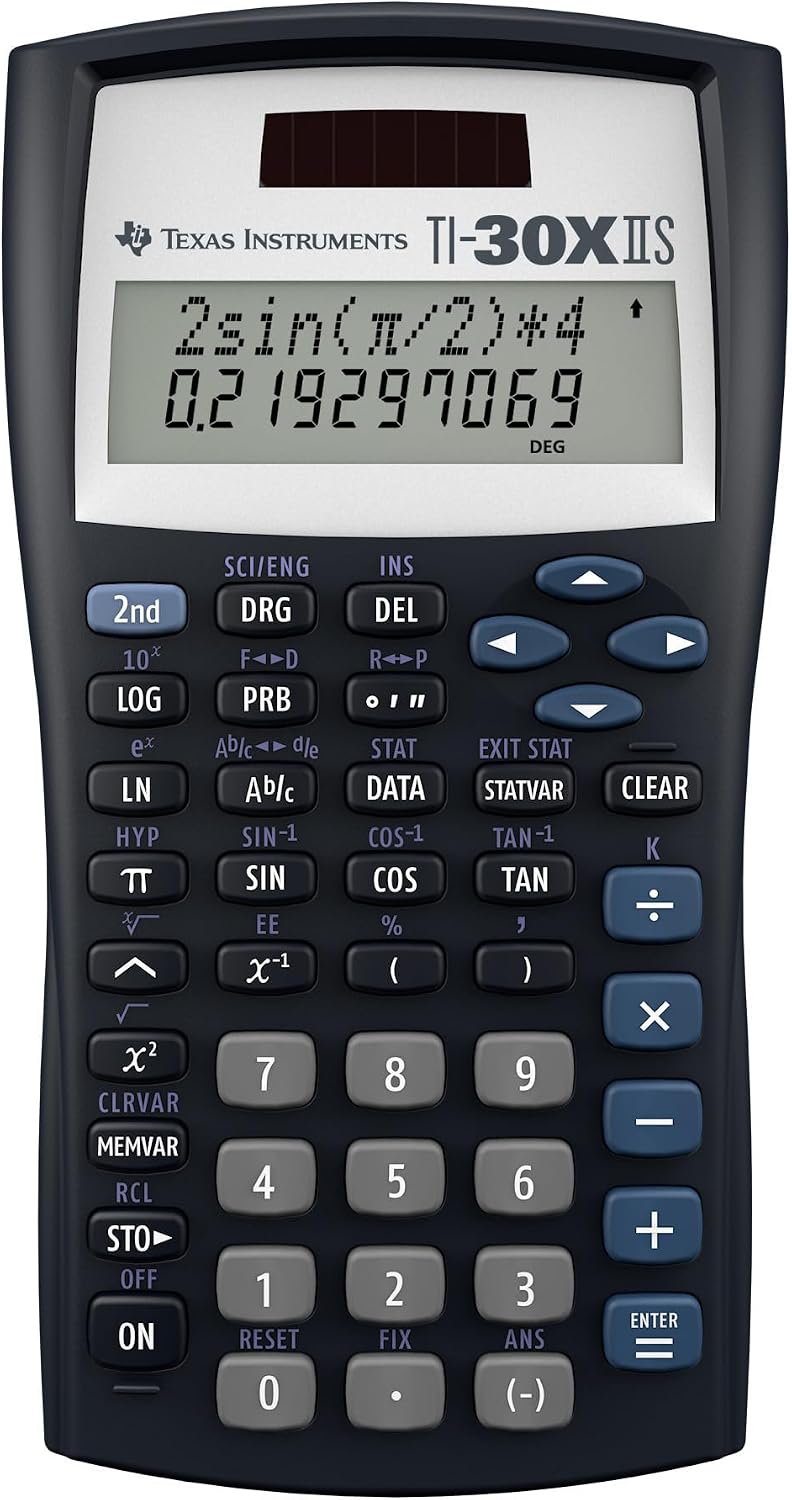
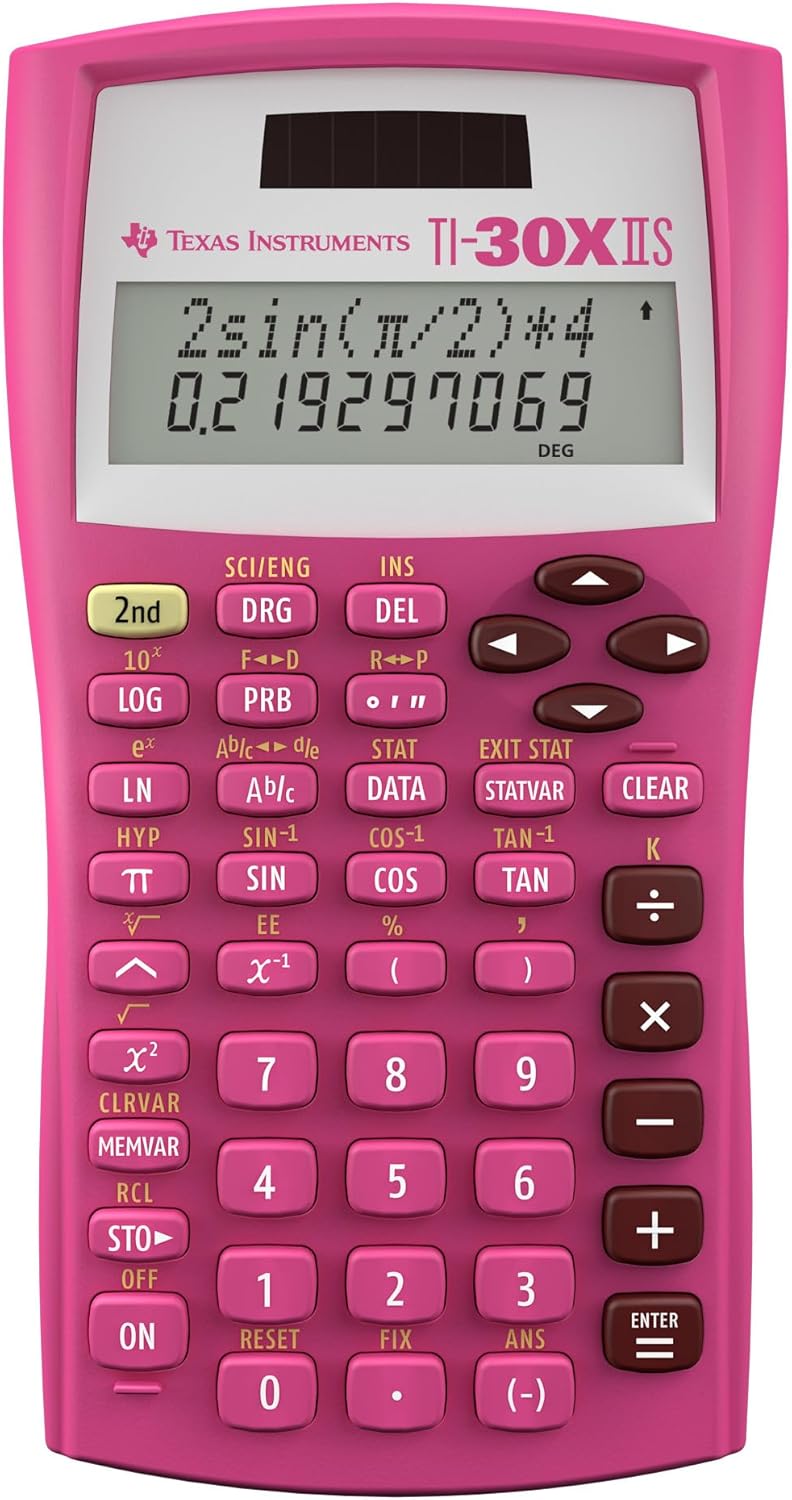
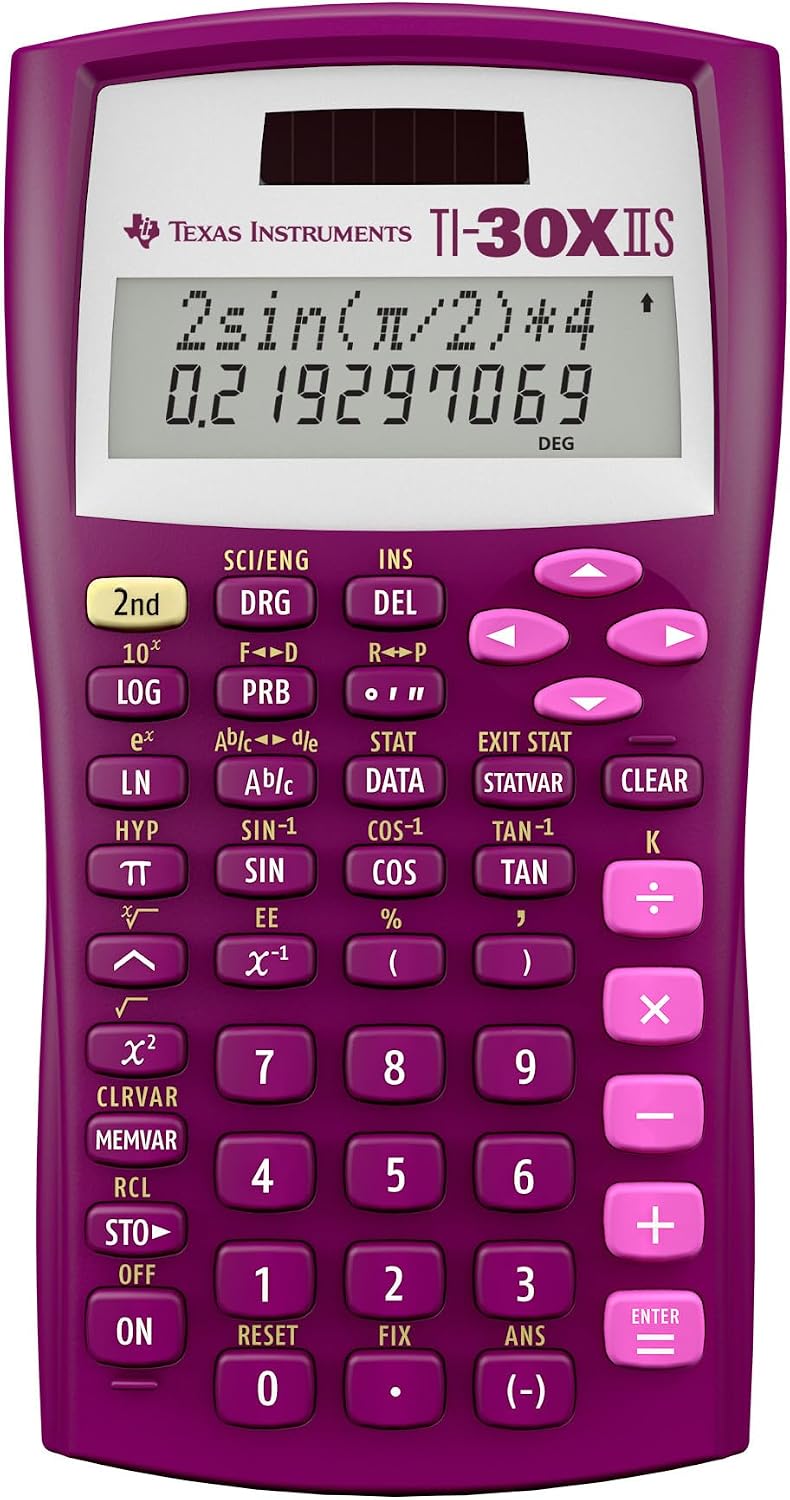
Texas Instruments TI-30X IIS Blue Scientific Calculator
$13.99
Texas Instruments TI-30X IIS Blue – Master complex equations with the vibrant blue Texas Instruments TI-30X IIS, a reliable scientific calculator for students and professionals.
Introduction to Texas Instruments TI-30X IIS Blue
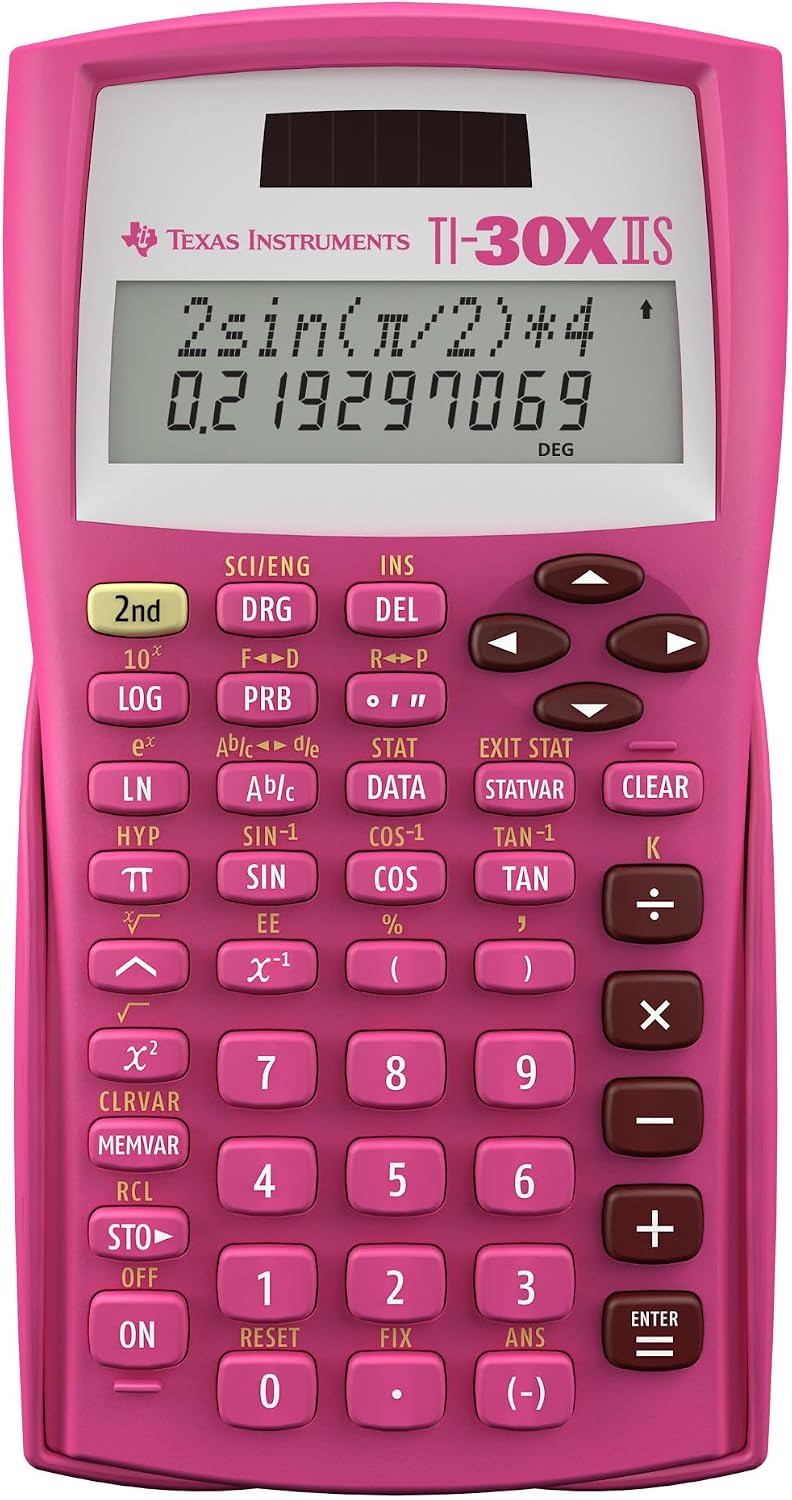
The Texas Instruments TI-30X IIS Blue scientific calculator is an indispensable tool designed to meet the rigorous demands of students and professionals across various disciplines. Its striking blue casing not only adds a touch of personality to your desk but also houses a powerful set of functions perfect for algebra, geometry, trigonometry, and calculus. This calculator is engineered for clarity and ease of use, making complex mathematical computations more accessible. With its two-line display, you can view both the entry and the calculated result simultaneously, streamlining your workflow and reducing errors. The TI-30X IIS Blue is a trusted companion for standardized tests, college courses, and everyday problem-solving, offering durability and consistent performance. This model, part of the widely acclaimed TI-30X series, builds on a legacy of reliability and user-friendly design, ensuring that you have the right tool for every challenge. It’s more than just a calculator; it’s a gateway to understanding and mastering mathematical concepts with confidence. Whether you’re in high school, university, or a professional field requiring precise calculations, this device is built to support your academic and career journey. The calculator’s intuitive menu system allows quick access to its extensive functions, minimizing the learning curve and maximizing productivity. Its robust construction ensures it can withstand the daily rigors of student life, from backpack bumps to desk drops, providing long-lasting value and dependable service. The inclusion of both solar and battery power ensures that your calculator is always ready when you need it, eliminating concerns about sudden power loss during critical exams or assignments. Explore our store collection for more essential academic tools and accessories to complement your studies and enhance your learning experience.
Table of Contents
Key Features of Texas Instruments TI-30X IIS Blue
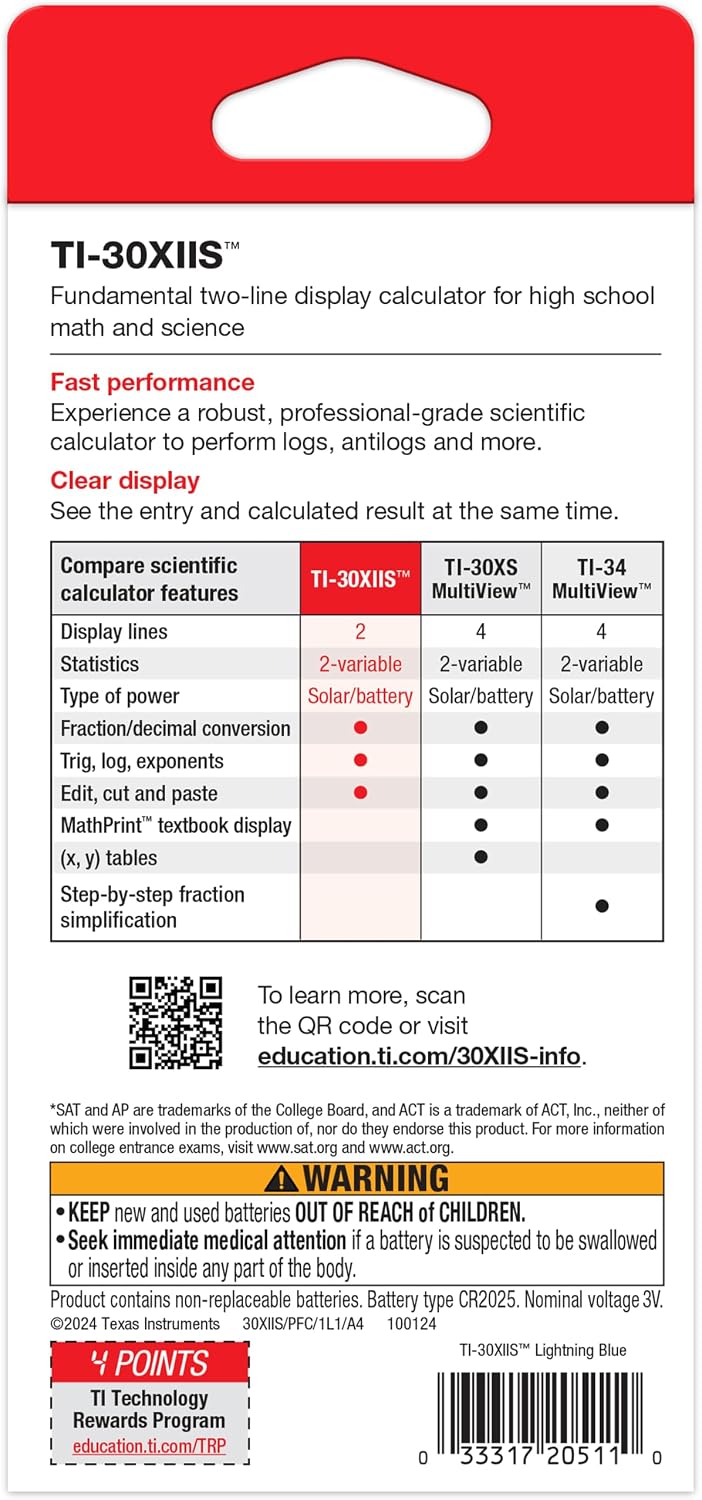
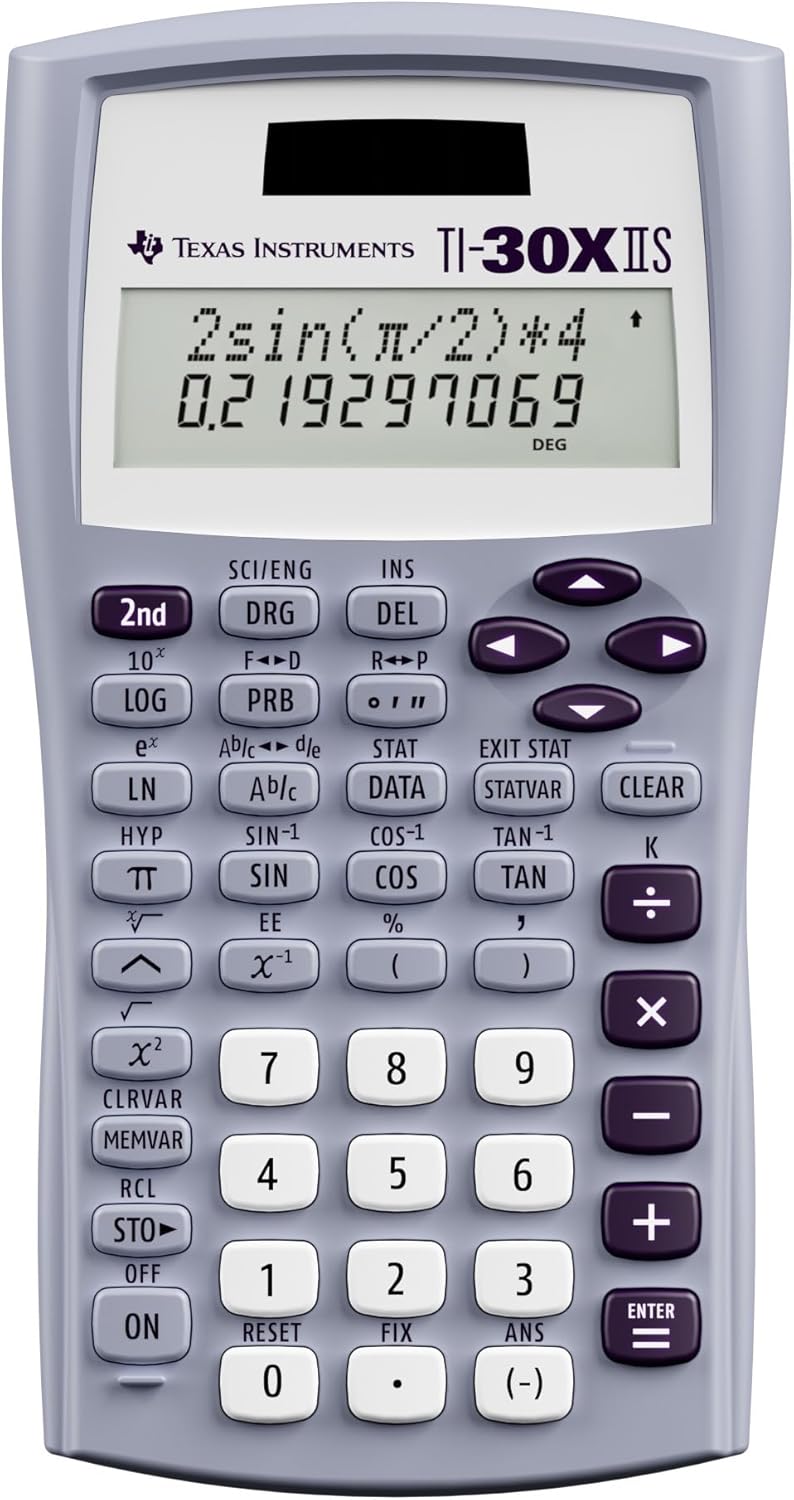
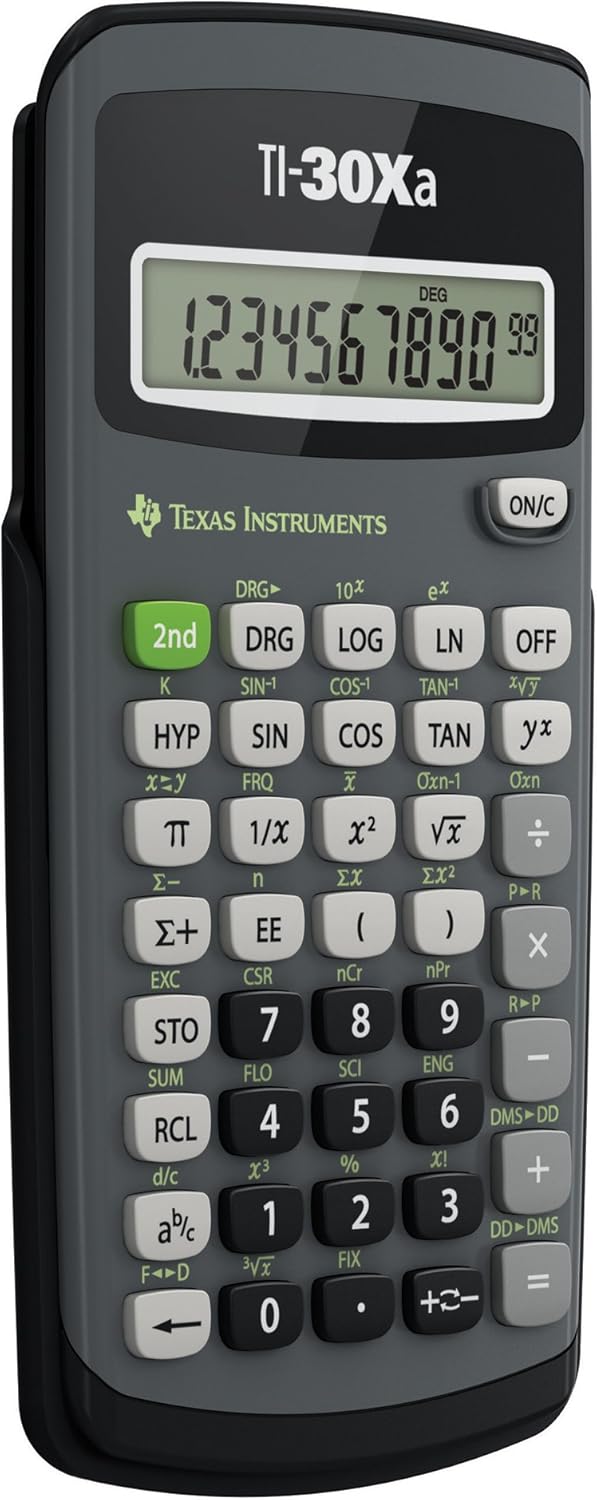
The Texas Instruments TI-30X IIS Blue boasts a range of features designed to enhance mathematical problem-solving. Its two-line display shows 11 characters per line, allowing you to review previous entries and compare results with ease. This dual-line capability is crucial for tracking complex calculations and making corrections without re-entering the entire problem. The calculator supports fractions, decimals, and mixed numbers, making it versatile for various mathematical contexts. It also includes key functions for statistics, such as one-variable and two-variable statistics, enabling data analysis with greater efficiency. The TI-30X IIS Blue features a robust set of scientific functions, including trigonometric, logarithmic, and exponential calculations, along with root and power functions. Its memory functions allow you to store and recall values, which is particularly useful for multi-step problems or when working with constants. The calculator’s clear button layout and responsive keys ensure comfortable and accurate input, reducing the likelihood of errors during intense study sessions or exams. It’s built with high-quality, durable plastic, designed to withstand frequent use in academic environments. The vibrant blue color is not just aesthetically pleasing but also makes it easy to spot in a cluttered backpack or desk. For more detailed information on scientific calculators, you can refer to their product background on Wikipedia.
How to Use & Care for Texas Instruments TI-30X IIS Blue
Using the Texas Instruments TI-30X IIS Blue is straightforward, thanks to its intuitive design. To begin, simply press the ‘ON’ button. Input your equations using the numerical and function keys, and press ‘ENTER’ to see the result. The ‘2nd’ function key allows access to the secondary functions printed above many buttons. For statistical calculations, use the ‘DATA’ button to enter your data points. To clear the display, press ‘CLEAR’. Caring for your TI-30X IIS Blue involves simple steps to ensure its longevity. Keep the calculator in a protective case or sleeve when not in use to prevent scratches and impact damage. Avoid exposing it to extreme temperatures or direct sunlight for extended periods, as this can affect the display and internal components. Clean the calculator regularly with a soft, dry cloth to remove dust and fingerprints. Do not use harsh chemicals or abrasive cleaners. If the display becomes dim, it may indicate that the battery needs replacement, even with solar power. Ensure the solar panel is unobstructed for optimal charging in well-lit environments. Proper care will ensure your calculator remains a reliable tool for years to come.
Why Choose Texas Instruments TI-30X IIS Blue?
Choosing the Texas Instruments TI-30X IIS Blue means investing in a calculator renowned for its reliability and functionality. This model is widely recommended by educators for its comprehensive suite of features that support a broad range of mathematical and scientific curricula. Its dual power source (solar and battery) ensures uninterrupted operation, a critical advantage during exams or when electricity is unavailable. The clear, two-line display significantly aids in learning and problem-solving by allowing users to compare input and output, fostering better understanding of mathematical processes. The TI-30X IIS Blue is built to last, with a robust construction that can withstand the rigors of daily academic life. Its user-friendly interface minimizes the learning curve, allowing students to focus on mastering concepts rather than struggling with the device itself. The vibrant blue color adds a personal touch, making it a distinctive and enjoyable tool to use. For anyone seeking a dependable, versatile, and durable scientific calculator that offers excellent value, the TI-30X IIS Blue stands out as an exceptional choice. It’s more than just an instrument; it’s an educational partner that empowers users to tackle complex problems with confidence and precision, making it an essential item for any student or professional in the STEM fields.
FAQs about Texas Instruments TI-30X IIS Blue
Q: Is the Texas Instruments TI-30X IIS Blue approved for standardized tests?
A: Yes, the Texas Instruments TI-30X IIS Blue is generally approved for use on most major standardized tests, including the SAT, ACT, and AP exams. However, it is always recommended to check the specific test regulations before the exam date, as policies can change. Its non-graphing, non-programmable nature typically makes it a permissible tool.
Q: How do I switch between degrees, radians, and grads on this calculator?
A: To switch between degree, radian, and grad modes on the Texas Instruments TI-30X IIS Blue, press the ‘DRG’ button. Each press will cycle through the available modes (DEG, RAD, GRAD), which will be indicated on the display. Make sure you select the correct mode for your calculations to avoid errors, especially in trigonometry.
Q: Does the calculator come with a protective cover?
A: The Texas Instruments TI-30X IIS Blue typically comes with a durable slide-on protective cover. This cover helps to shield the screen and keys from damage when the calculator is not in use, making it ideal for transport in backpacks or briefcases. It adds an extra layer of protection, enhancing the longevity of your device.
Q: What type of battery does the TI-30X IIS Blue use?
A: The Texas Instruments TI-30X IIS Blue uses a CR2032 lithium coin cell battery as its primary power source, supplemented by its solar panel. The solar panel helps extend battery life by providing power in well-lit conditions. Regular battery replacement ensures optimal performance even in low-light environments.
Q: Can I perform statistical calculations with this calculator?
A: Absolutely. The Texas Instruments TI-30X IIS Blue is equipped with comprehensive statistical functions for both one-variable and two-variable statistics. You can enter data using the ‘DATA’ button and then use the statistical menu to calculate mean, standard deviation, and other statistical measures, making it a powerful tool for data analysis.
You can browse our related products to compare similar styles, materials, and price ranges before choosing the right Texas Instruments TI-30X IIS Blue for your needs.
For additional background, review the external reference about Texas Instruments TI-30X IIS Blue.






Reviews
There are no reviews yet.