Scientific Calculators · Texas Instruments
Texas Instruments TI-30XS MultiView - TI-30XS MultiView Scientific
In stock · SKU PDS-0002
Scientific calculators from People's Department Store.
- Packed in Bronx in 1–2 business days, then 3–7 business days with the carrier.
- $3.99 flat US shipping, free once the order reaches $25.00. US addresses only.
- 30 days from the date of delivery returns on unused items in the original packaging. Refund and Returns Policy
- Secure checkout — Visa, Mastercard, WeChat Pay, Klarna, Afterpay, PayPal.
Specifications
| Category | Scientific Calculators |
|---|---|
| Brand | Texas Instruments |
| SKU | PDS-0002 |
Digit counts, functions and power sources are the maker's published figures.
Description
Overview
The Texas Instruments TI-30XS MultiView scientific calculator is an indispensable tool for students and professionals alike, offering a sophisticated yet user-friendly interface for tackling complex mathematical and scientific problems. This advanced calculator is engineered to display multiple lines of text and calculations simultaneously, allowing users to compare results and explore different problem-solving approaches with unprecedented clarity. Its intuitive design and powerful capabilities make it a cornerstone for anyone navigating algebra, geometry, trigonometry, calculus, and statistics courses.
The TI-30XS MultiView bridges the gap between basic scientific calculators and more advanced graphing models, providing essential features without overwhelming complexity. This model is celebrated for its ability to show expressions exactly as they appear in textbooks, fostering a deeper understanding of mathematical concepts. It’s not just a calculator; it’s a learning companion that supports exploration and verification of solutions.
Equipped with a robust set of functions, the Texas Instruments TI-30XS MultiView empowers users to perform fractions, exponents, roots, logarithms, and trigonometric calculations with ease. Its multi-line display is particularly beneficial for reviewing previous entries and observing how changes in input affect the output, a critical feature for error checking and conceptual reinforcement. The calculator’s solar and battery dual power ensures reliable operation in any environment, from dimly lit classrooms to bright outdoor settings.
This blend of functionality, durability, and ergonomic design makes the TI-30XS MultiView a top choice for educational institutions and individual learners seeking a reliable mathematical partner. Its contribution to STEM education cannot be overstated, providing students with the tools they need to succeed in challenging subjects.
Key features
The Texas Instruments TI-30XS MultiView boasts an array of features designed to enhance mathematical learning and problem-solving efficiency. Its standout feature is the MultiView display, which allows up to four lines of text and calculations to be viewed simultaneously. This capability is revolutionary for comparing input expressions with calculated results, or for scrolling through previous entries.
The calculator supports both fraction and decimal calculations, with an easy toggle between the two formats, making it versatile for various mathematical contexts. Key functions include a dedicated fraction key, which allows for proper and improper fractions, mixed numbers, and fraction-to-decimal conversions. Furthermore, it offers powerful statistical features, including one-variable and two-variable statistics, enabling computations of mean, standard deviation, and regressions.
Beyond its display and core mathematical functions, the Texas Instruments TI-30XS MultiView integrates essential scientific notation, powers and roots, and logarithmic functions. It also provides access to trigonometric functions (sin, cos, tan) and their inverses, alongside hyperbolic functions. The device features a handy data editor for lists, facilitating statistical analysis and table generation.
Its robust plastic casing ensures durability for everyday use, while the clearly labeled, responsive keys make inputting equations a smooth process. The dual power source—solar and battery—guarantees uninterrupted functionality, making it a reliable tool for exams and long study sessions. The calculator also includes a constant memory feature, retaining settings and data even when turned off, enhancing user convenience.
How to use & care
Using the Texas Instruments TI-30XS MultiView is straightforward thanks to its intuitive layout and clear labeling. To get started, simply press the ‘ON’ button. The MultiView display will show a blank input line, ready for your equations. Utilize the dedicated fraction key for entering fractions, and the ‘2nd’ key to access secondary functions printed above the primary keys.
For statistical calculations, use the ‘DATA’ button to enter your data points, then select the appropriate statistical function from the menu. To ensure longevity and optimal performance of your Texas Instruments TI-30XS MultiView, it’s crucial to handle it with care.
Avoid dropping the calculator or exposing it to extreme temperatures or humidity, which can damage internal components or the LCD screen. Always store it in a protective case or a safe place where it won’t be crushed or scratched.
Regular cleaning is also important. Use a soft, dry cloth to wipe down the exterior of the calculator, avoiding abrasive cleaners or solvents that could damage the plastic or key legends. If the display appears dim, it might be an indication that the battery needs replacement, or that the solar panel isn’t receiving enough light. While the calculator has a dual power source, prolonged use in low light conditions will deplete the battery.
Familiarize yourself with the user manual for specific instructions on battery replacement and troubleshooting. By following these simple care instructions, your Texas Instruments TI-30XS MultiView will continue to be a reliable companion for all your academic and professional needs. Explore our extensive range of educational tools and accessories at our store collection.
Why choose this product
- Choosing the Texas Instruments TI-30XS MultiView means investing in a calculator renowned for its reliability, educational value, and user-centric design. Its unique MultiView display significantly enhances the learning experience by allowing students to see inputs and results simultaneously, fostering a deeper understanding of mathematical processes and reducing errors. This visual feedback is invaluable for students transitioning from arithmetic to algebra and beyond, making abstract concepts more tangible. Unlike many basic scientific calculators, the TI-30XS MultiView offers a comprehensive suite of functions that are perfectly aligned with middle school, high school, and even some college-level curricula. It’s approved for use on standardized tests such as the SAT, ACT, and AP exams, making it a versatile tool for academic success.
- Furthermore, the reputation of Texas Instruments as a leader in educational technology ensures that the Texas Instruments TI-30XS MultiView is built to last and supported by extensive resources. Its robust construction can withstand the rigors of daily student life, while the dual power source provides peace of mind that it will always be ready when needed. The intuitive menu navigation and clearly labeled keys minimize the learning curve, allowing users to focus on problem-solving rather than struggling with the device itself. For educators, it’s a tool that supports effective teaching by allowing for quick demonstration of problem-solving steps. For students, it’s a reliable partner that grows with them through various stages of their mathematical journey, proving its value year after year.
FAQ
What types of courses is the Texas Instruments TI-30XS MultiView suitable for?
The Texas Instruments TI-30XS MultiView is ideal for a wide range of courses, including pre-algebra, algebra I & II, geometry, trigonometry, statistics, and general science. Its ability to handle fractions, exponents, roots, logarithms, and statistical calculations makes it a versatile tool for students from middle school through high school and even into introductory college courses. The MultiView display is particularly beneficial for students who need to visualize equations and compare results, aiding in a better understanding of complex topics.
Is the Texas Instruments TI-30XS MultiView approved for standardized tests?
Yes, the Texas Instruments TI-30XS MultiView is approved for use on many major standardized tests, including the SAT, ACT, and AP exams. Its compliance with test regulations ensures that students can use the same reliable tool they practice with during their actual examinations. However, it is always recommended to check the specific test regulations as they can sometimes change or vary by region.
How does the MultiView display benefit users?
The MultiView display on the Texas Instruments TI-30XS MultiView is a significant advantage as it allows users to view up to four lines of calculations simultaneously. This feature helps in tracking input expressions, comparing different results, and reviewing previous entries without needing to clear the screen. It greatly aids in error detection and reinforces the understanding of mathematical concepts by showing the progression of a problem, much like how equations are written in textbooks.
What is the power source for the Texas Instruments TI-30XS MultiView?
The Texas Instruments TI-30XS MultiView operates on a dual power source: solar and battery. This ensures maximum reliability and longevity. The solar panel primarily powers the calculator in well-lit environments, while the battery provides power in low-light conditions or when performing more intensive calculations. This dual system guarantees that your calculator will always be ready for use, whether in a classroom, library, or outdoors, minimizing interruptions during critical study or exam periods.
Shipping
US addresses only. Handling 1–2 business days, carrier transit 3–7 business days. $3.99 flat; free on orders of $25.00 or more. Tracking is emailed when the label scans. Shipping Policy
Returns
30 days from the date of delivery from delivery for unused items in the original packaging. Our mistake, we pay the return postage; change of mind, you do. Refunds are issued within 5–10 business days of the return arriving. Refund and Returns Policy
More from Scientific Calculators
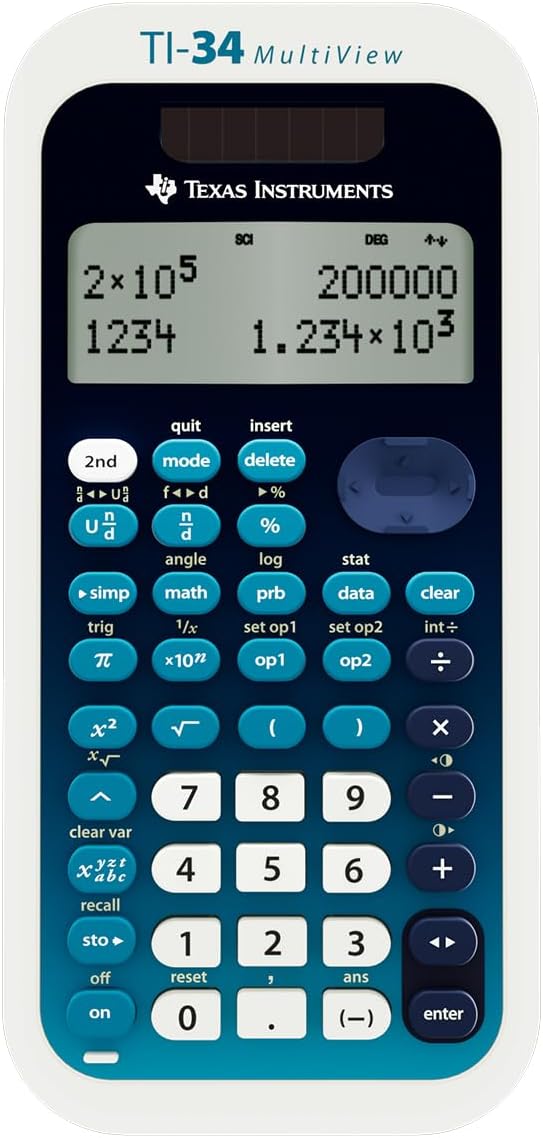 Texas Instruments TI-34 MultiView Scientific CalculatorBlue, White, Yellow$19.99
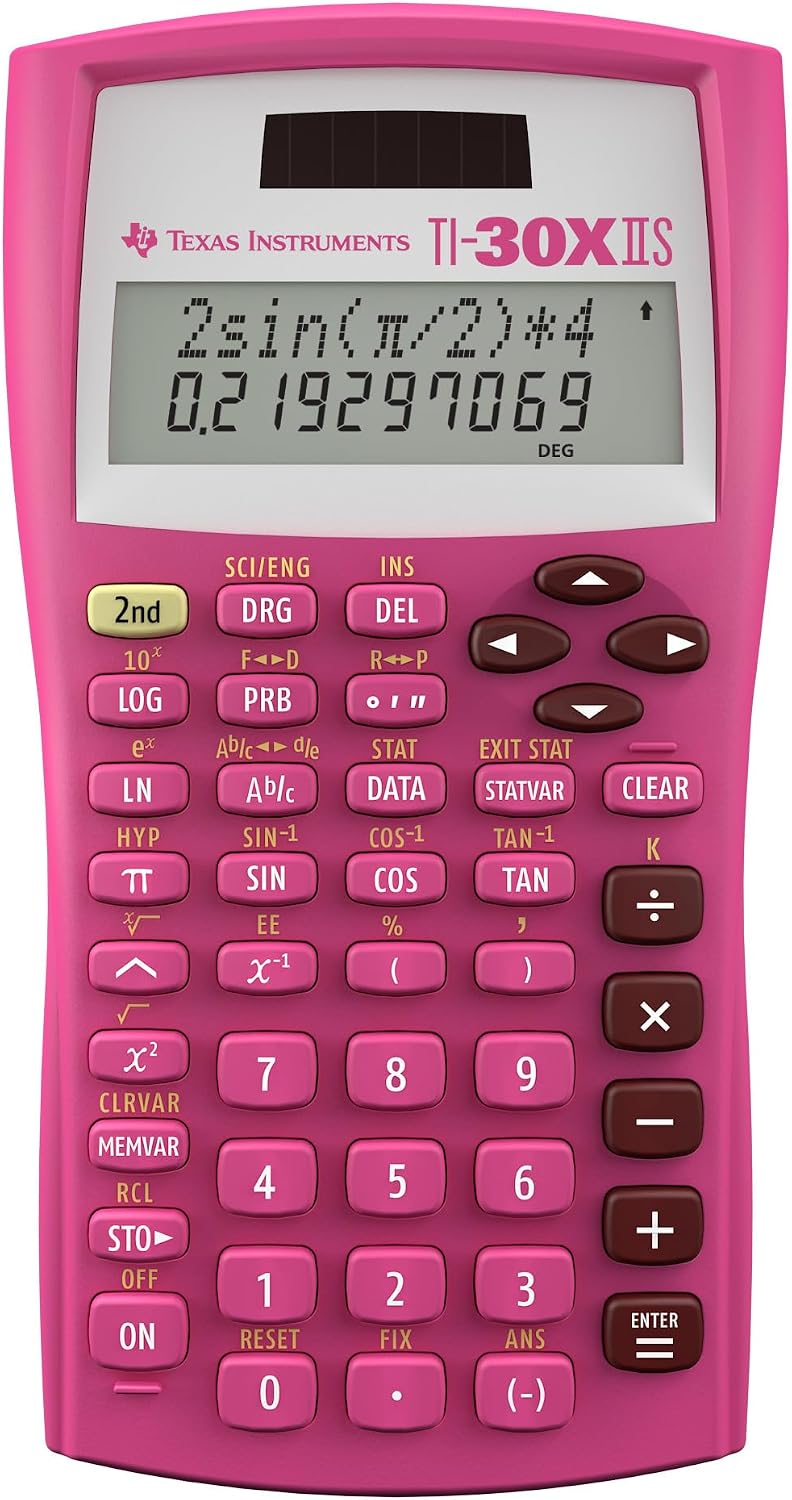 Texas Instruments TI-30X IIS Pink Scientific CalculatorBlack, Blue, Lavender, Pink, Raspberry, White · 1 Pack, Small$19.66
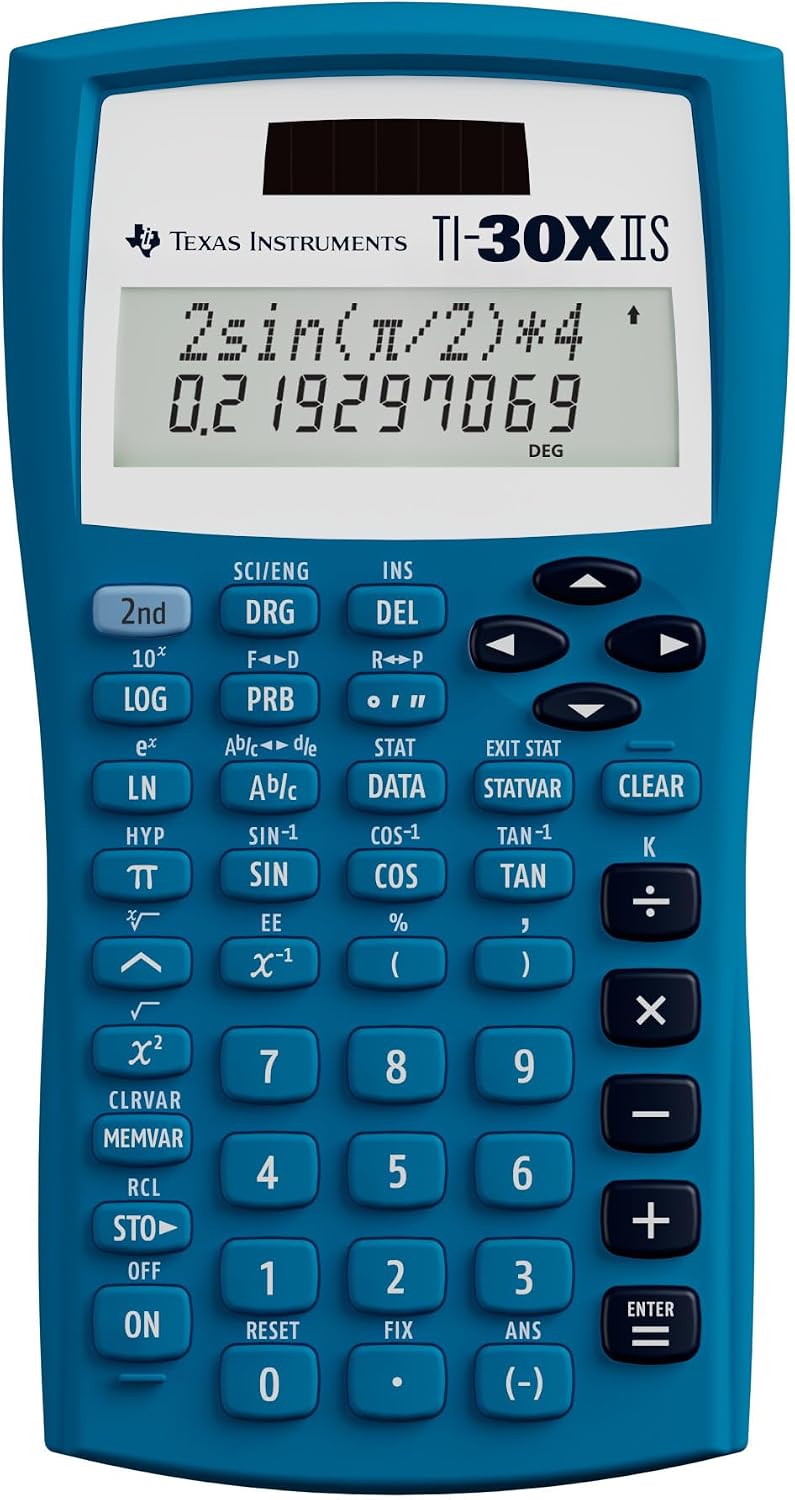 Texas Instruments TI-30X IIS Blue Scientific CalculatorBlack, Blue, Lavender, Pink, Raspberry, White · 1 Pack, Small$13.99
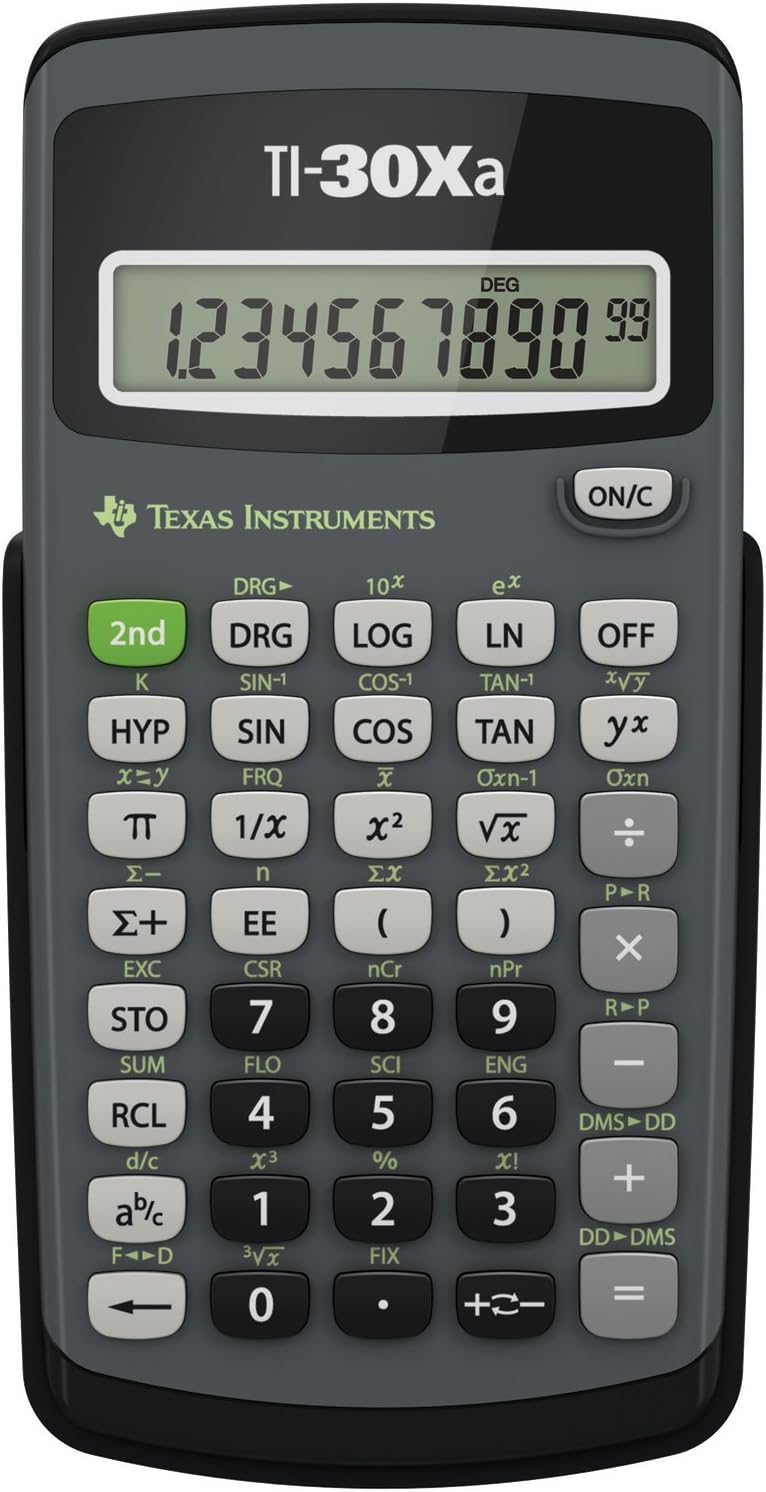 Texas Instruments TI-30Xa Scientific Calculator for Students$9.97